iLEAN Connect · production
Your paper shift report, turned into your plant dashboard.
Free end-of-shift and daily production report template. Snap a photo at shift change and your AI agents give you output, downtime and scrap, without typing a thing. Your supervisors keep their sheet; you get production tracking that's always current. 30 days of everything, then free.
Free printable shift report and handover template.
One sheet per shift and line, US Letter: hour-by-hour production (part number, target, actual, scrap, downtime minutes and reason), shift totals, safety, and the handover to the next shift with outgoing and incoming supervisor signatures.
Download the shift report and handover template (PDF, Letter)
From paper to your plant memory in a minute.
1 · The shift fills in its sheet
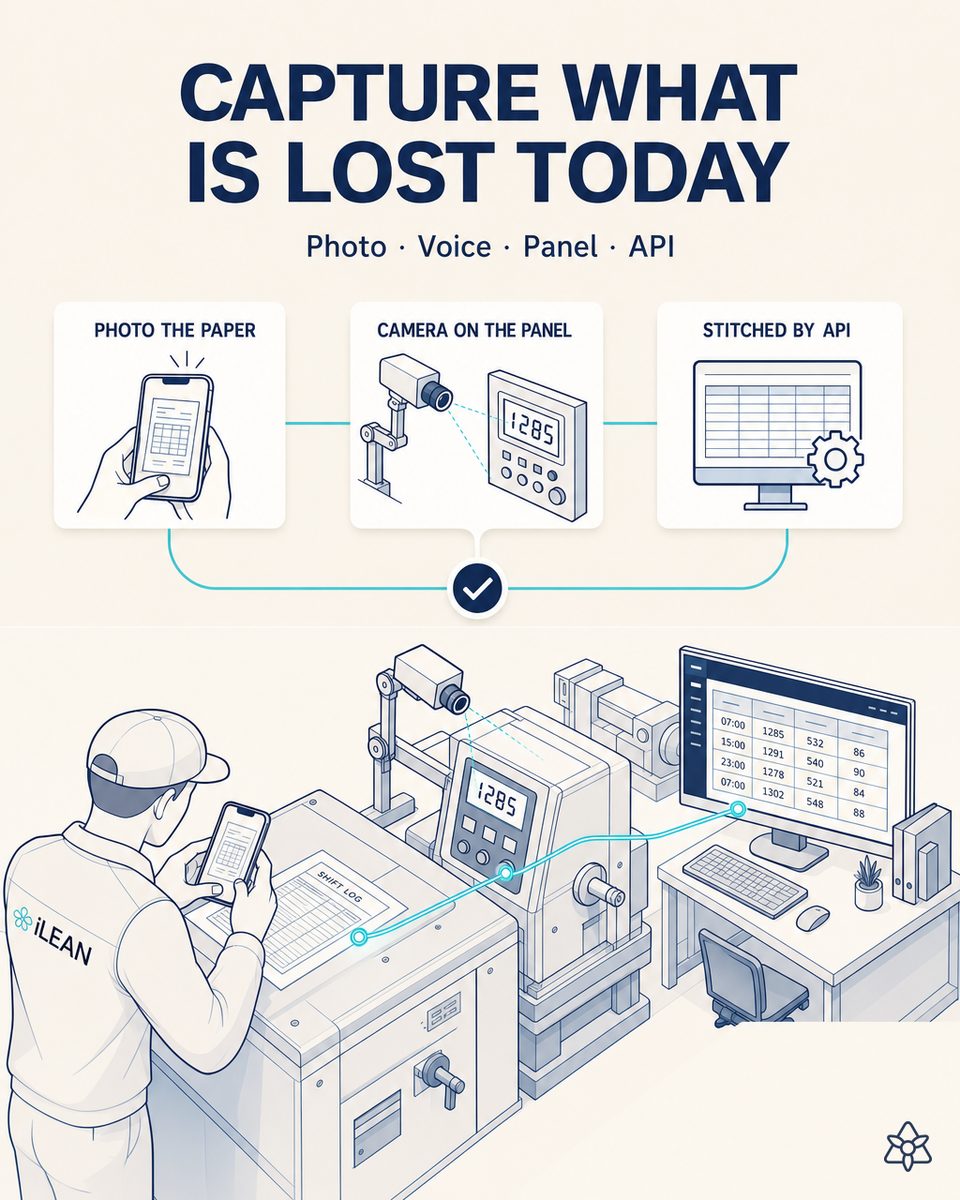
Hour by hour, as usual: output, scrap and downtime with the reason. No terminal or screen on the line.
2 · Snap it at shift change
The agent reads the whole table, handwritten reasons included, and flags anything unclear.
3 · Production tracking, always current
Output, scrap and downtime by line, shift and part number, with open items from the handover in view.
The fields on a shift report and what the agent does with each one.
A shift report (or daily production report) records what a line did on a shift: how much it made against plan, how much was scrapped, and how long it was down and why. The handover adds what's left for the next shift.
| Field | Why it's there | What your agent does with it |
|---|---|---|
| Date, shift, line and supervisor | Where the data comes from | Compares shifts and lines |
| Hour and part number | What was made and when | Groups by part number and spots changeovers |
| Target and actual | Performance to plan | Gives you attainment by shift and line |
| Scrap | Shift quality | Totals scrap and its percentage |
| Downtime minutes and reason | Line availability | Gives you downtime by reason, even handwritten and worded differently |
| Safety | Incidents and near misses | Alerts you as soon as an incident is marked |
| Handover to next shift | Open items and warnings | Keeps them in view and searchable later |
From the supervisor's sheet to knowing where you lose output.
“Which shift had the most downtime last week, and why?”
It answers from your shift reports and tells you which sheets each number comes from.
“How much did we scrap on part 4410 this month?”
It totals scrap for that part number and its percentage of output.
Actual vs. target, scrap and downtime
The dashboard agent picks the KPIs from your report and updates every shift.
“Alert me if a shift is down more than 45 minutes”
When the report is confirmed you're notified by email or Microsoft Teams, the same day.
The production tracking of a system, with the supervisor's sheet.
| Paper shift report | Retype into a spreadsheet | Paper + iLEAN Connect | |
|---|---|---|---|
| Filled in by the shift | Yes | Yes, then someone types | Yes, as always |
| Data current | When someone adds it up | A day or more behind | As soon as the photo is confirmed |
| Downtime by reason | No | If reasons are coded | On your dashboard, automatically |
| Handover items | On the sheet | Lost | Searchable in your memory |
| Install anything on the line | No | No | No: a phone and a photo |
Start with 30 days of everything. Then free, or the plan you need.
$0 for 12 forms a month; $39 to $149 a month by volume, or $299 for a whole plant (annual: 2 months free). USD, excluding sales tax; Canada pays in CAD. Unlimited users.
$0
12 forms a month · 1 form type · 30 questions · dashboard · last 90 days visible
$39/mo
300 forms · 5 form types · 200 questions · 2 alerts · full history
$69/mo
800 forms · 10 types · 500 questions · 5 alerts
$99/mo
1,600 forms · 15 types · 1,000 questions · 10 alerts
$149/mo
3,000 forms · 25 types · 2,000 questions · 20 alerts
$299/mo
8,000 forms · 50 types · 5,000 questions · 50 alerts
Custom
ERP integration, agents that spot problems on their own, machines, PLCs, SCADA and sensors
What people usually ask.
What should a shift report include?
Date, shift, line and supervisor; hour-by-hour output against target; scrap; downtime minutes and reasons; safety incidents; and a handover to the next shift with open items. The free template has all of them.
What is a shift handover?
It's what the outgoing shift passes to the incoming one: open items, warnings, materials and issues. Our template keeps it on the same sheet with both supervisors' signatures.
Does it calculate OEE?
From target, actual, scrap and downtime your agent gives you attainment, scrap rate and downtime by shift, and you can ask about them. For full, real-time OEE straight from the machines, that's Central IA.
Does it read handwritten downtime reasons?
Yes. And even if everyone writes them differently (“mold change”, “changeover”), the agent groups them when you ask.
What if every line has its own report?
Each layout is a form type; the agent builds its template from the first photo and someone on the iLEAN team reviews it.
What does it cost?
The 30-day trial is free with no card; after that, 12 sheets a month free or plans from $39/mo. With 3 shifts on 2 lines that's about 130 sheets a month: the T1 plan. Prices exclude sales tax where applicable.
More plant forms your AI agents can read.
Snap the next shift's report. Your dashboard starts there.
Download the template or snap the report you already use: in about 30 seconds you'll see your AI agent read it.
Want AI agents working across your whole plant?
We connect your forms to your ERP, machines and sensors, and put agents on top that watch production, quality and maintenance. Tell us what you have and we'll reply with a proposal. A person answers, not a bot.