iLEAN Connect · image to Excel
From image to Excel, handwriting too. And the next sheet does itself.
Snap a photo of any handwritten sheet and an AI agent turns it into Excel. If it's a form you use every day, it learns the layout and every new sheet lands right where it belongs: ask it questions, see your dashboard and set alerts. No sign-up to try, no card, nothing to install.
Plant, shop or office sheets: if it's filled in by hand, it can be read.
Work orders, quality checks, temperature logs, inventory counts, handwritten delivery notes, shift sheets, sign-in sheets… The agent reads tables and fields, including repeating rows, and gives them to you in Excel, one worksheet per type of document.
From paper to your plant memory in a minute.
1 · Photo or image
With your phone, or upload an image or a scanned PDF. Whole, flat and in good light.
2 · The agent reads every field
Handwriting, numbers, check marks and tables. Anything unclear is flagged in amber on your own photo.
3 · Confirm and download your Excel
Columns named after the labels on the paper, rows with what was written. The next sheet works the same, with nothing to set up again.
Converting an image to Excel: what each tool does.
There are several ways to turn a picture into a spreadsheet. The differences are handwriting, forms you use over and over, and what happens to the data afterwards.
| Excel's Data from Picture | Image-to-Excel converters | iLEAN Connect | |
|---|---|---|---|
| Printed tables | Yes | Yes | Yes |
| Handwriting | Limited | Depends on the tool | Yes, and it flags what's unclear |
| Review before saving | You, cell by cell | Not always | On your photo, only the unclear fields |
| Forms you use every day | From scratch every time | From scratch every time | Learns the template and reuses it |
| After converting | A file | A file | A memory with questions, dashboard and alerts |
A converter hands you a file. Your agents keep working with it.
Your Excel, one worksheet per document type
From one photo or a whole period, with the labels on the paper as columns.
Ask your sheets
“What was the highest temperature we logged in September?” It answers from your sheets and cites which ones.
Your dashboard, built for you
The dashboard agent picks what to show for each type of sheet.
Alerts
“Alert me if a temperature goes over 46 °F.” When the sheet is confirmed, you're notified by email or Microsoft Teams.
Typing up a handwritten sheet takes minutes. A photo takes seconds.
| Typing the sheet | Photo with iLEAN Connect | |
|---|---|---|
| A 20-field sheet | About 4 minutes | About 30 seconds to read, plus a quick look |
| 300 sheets a month | About 20 hours | However long it takes to check the amber fields |
| Typos | Whatever slips through | You confirm on the photo what the agent can't read clearly |
| New sheets of the same form | Just as slow | They land in their template automatically |
Start with 30 days of everything. Then free, or the plan you need.
$0 for 12 forms a month; $39 to $149 a month by volume, or $299 for a whole plant (annual: 2 months free). USD, excluding sales tax; Canada pays in CAD. Unlimited users.
$0
12 forms a month · 1 form type · 30 questions · dashboard · last 90 days visible
$39/mo
300 forms · 5 form types · 200 questions · 2 alerts · full history
$69/mo
800 forms · 10 types · 500 questions · 5 alerts
$99/mo
1,600 forms · 15 types · 1,000 questions · 10 alerts
$149/mo
3,000 forms · 25 types · 2,000 questions · 20 alerts
$299/mo
8,000 forms · 50 types · 5,000 questions · 50 alerts
Custom
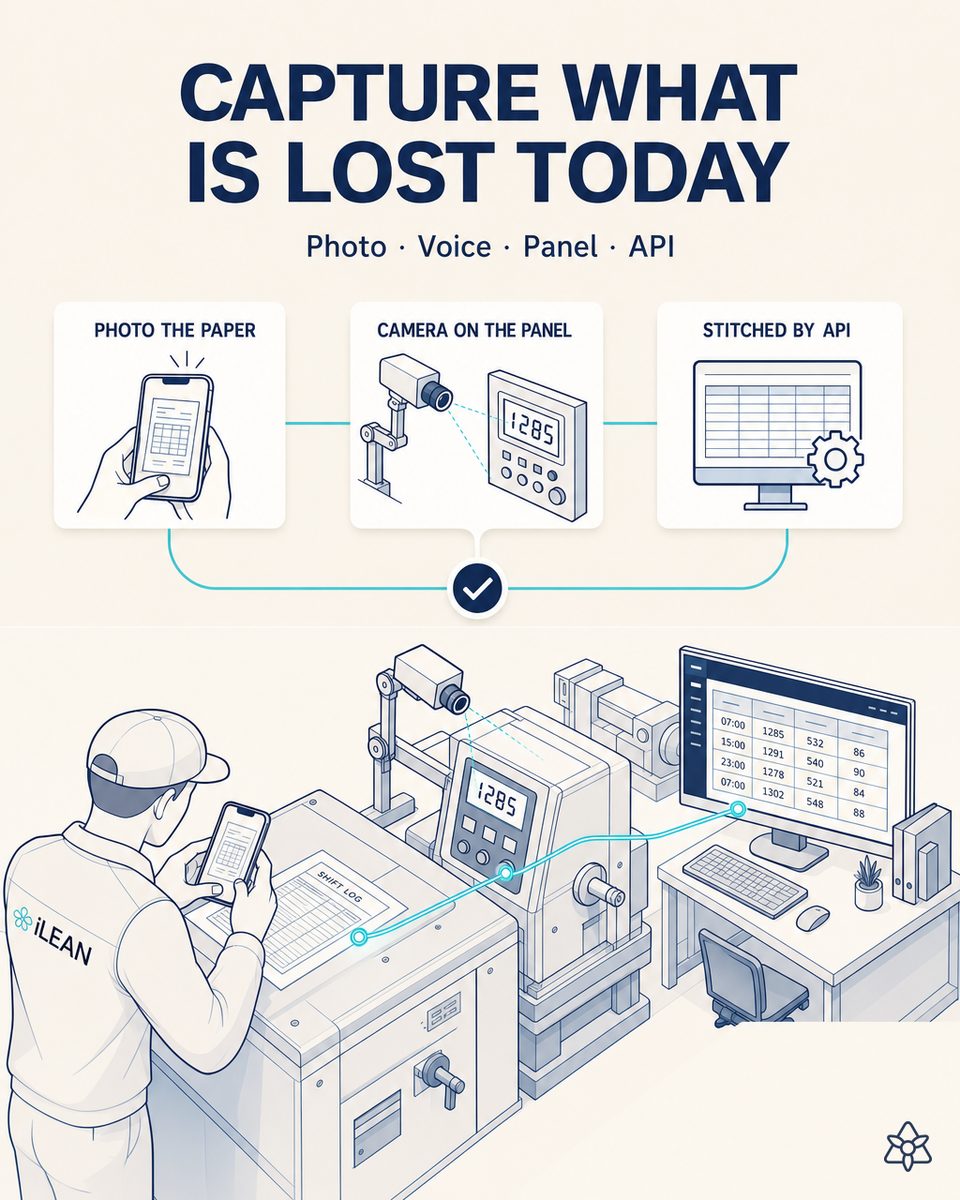
ERP integration, agents that spot problems on their own, machines, PLCs, SCADA and sensors
What people usually ask.
How do I convert a picture to Excel?
Take the photo, upload it in the app and in about 30 seconds the agent reads it. Check what it flags in amber, confirm, and download the Excel. You don't need to sign up to try it.
Can it convert handwriting to Excel?
Yes. It reads handwritten text and numbers, check marks and tally marks. Anything it can't read clearly is flagged so you can confirm it on the photo.
What about a table with many rows?
It reads every row of the table and gives you each one as a row in Excel, on its own worksheet.
What if I always photograph the same form?
The first photo lets the agent build that form's template; the next ones go straight in with the same columns. That's the difference from a converter.
Can I upload a scanned PDF?
Yes: an image or a PDF. Each page is read as a sheet.
Is it free? Is the app in English?
Yes and yes. Without signing up you can try up to 3 sheets a day. With an account you get 30 days of everything and then 12 sheets a month free. Paid plans start at $39/mo.
More plant forms your AI agents can read.
Snap a handwritten sheet and download your Excel.
In about 30 seconds you'll see your AI agent read it. No sign-up, no card, nothing to install.
Want AI agents working across your whole plant?
We connect your forms to your ERP, machines and sensors, and put agents on top that watch production, quality and maintenance. Tell us what you have and we'll reply with a proposal. A person answers, not a bot.