iLEAN · Support
iLEAN support: open a case or access the portal
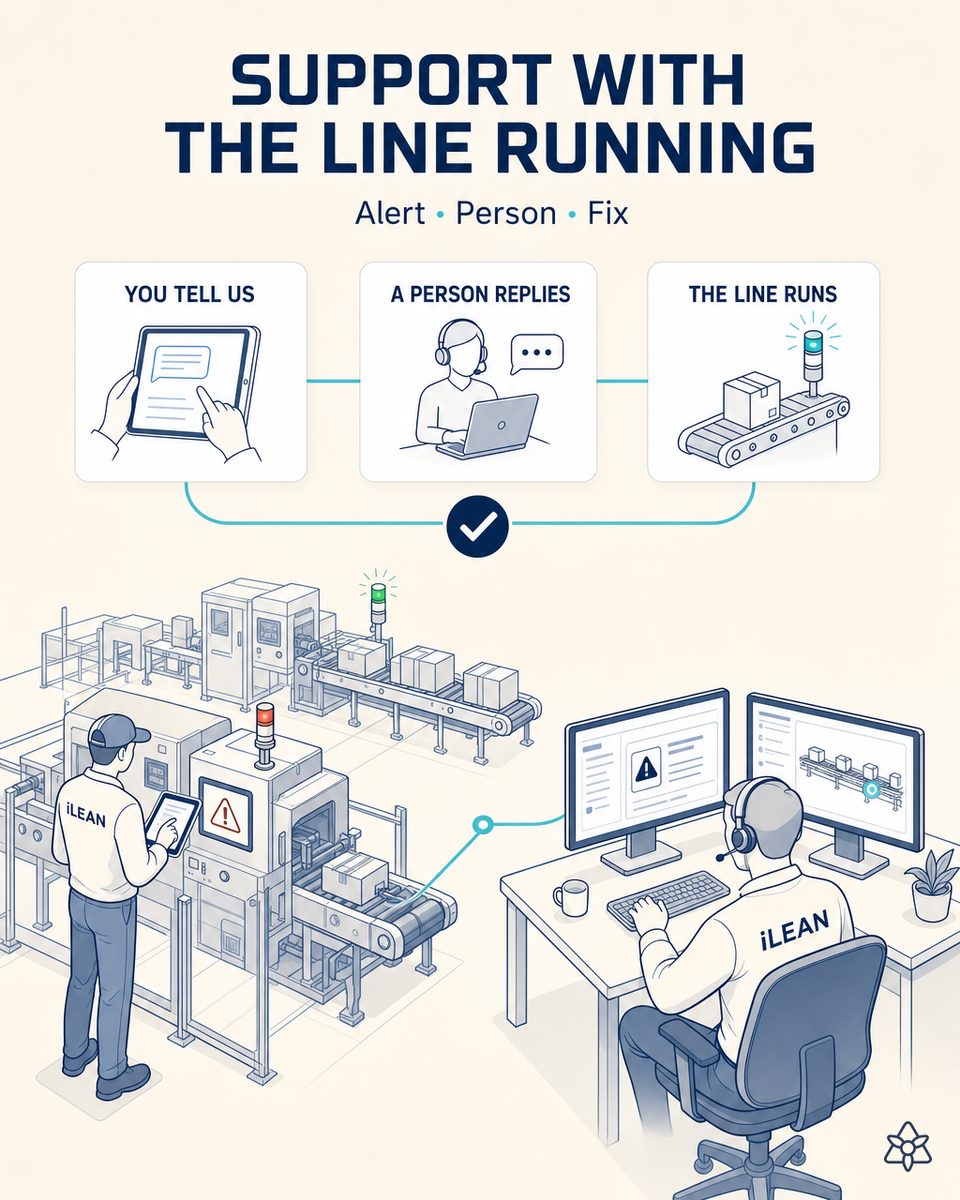
If you're an iLEAN customer with an open case, tell us here. Peninsular and CDMX business hours; 24/7 escalation for critical incidents that stop the line.
What we need to reply fast
Minimum structure for you to answer:
- iLEAN version: visible in the bottom bar of your interface or in the welcome email.
- Exact error message: copy the text or attach a screenshot. Don't tell us 'it errors' — tell us exactly what it says.
- When it started: approximate time and whether related to a recent change (new install, ERP update, shift change).
When you fill out the contact form, mentioning these three points makes the reply instant.
Support FAQ
When does it make sense to open a support case?
Whenever you see something that doesn't work as expected — error, slowness, missing data, failing integration. Don't wait for 'all the details' — that's what we're for. Better open and bring what you have.
What's the response time per severity?
Critical (line stopped): response < 30 min, 24/7. High (critical function affected): response < 4h business hours. Medium (non-critical function): response < 24h business hours. Low (inquiry): response < 48h.
Is there a customer portal with my case history?
Yes. Each customer has a portal with all their cases (open and closed), conversations, attachments and SLA compliance. Access provided at customer onboarding.
Ready to talk?
Fill out the form or go directly to the site contact.
Request demo Go to contact