Safety data sheet traceability — which SDS version went to which customer, with which batch.
When there is an incident with a chemical product, the first question is always the same: what safety information did the customer have in hand? Not "the product's SDS" — the specific version that accompanied that specific shipment, in the customer's language. Answering it today is an archaeology of emails, network folders and people's memory. iLEAN Tracer ties every shipment to the SDS version in force at that moment: customer, batch, date, version, language and channel. The question that takes days today becomes a one-minute lookup.
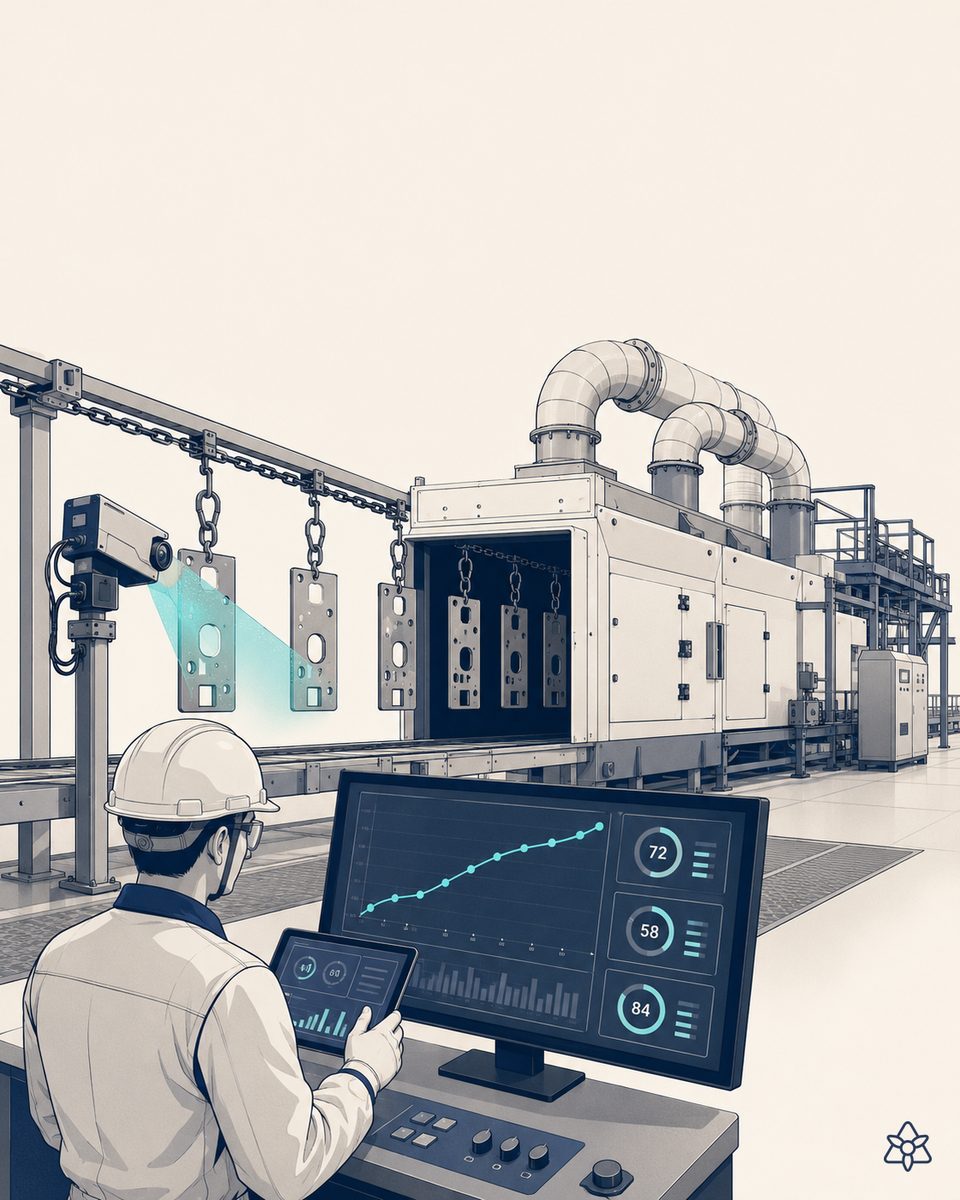
The ERP stores the latest SDS — nobody stores which one went out with each delivery.
A specialty chemicals plant lives surrounded by safety data sheets: one per SKU, per language and per revision. The content is usually well done — the regulatory team and the authoring tool take care of that. The hole is somewhere else:
- Several delivery channels coexist — the SDS the sales rep emails when opening the account, the printed one that goes out with the delivery note, the customer portal, the one the customer's purchasing team requests every January. Each channel can carry a different version.
- Sheets get revised, sends don't get recorded — the ERP and the network folder keep the latest version. Which version went out with the March 14 shipment, nobody keeps.
- Language adds one more dimension — the same batch can go to three countries; each customer should receive the sheet in the language that applies, and proving which one they received is even harder.
- The question arrives at the worst moment — an exposure at the customer's plant, a spill in transit, an inspection. "Which SDS version did this customer have with this batch?" is the first thing asked, urgently and in writing.
The technical manager knows it: the sheets are fine; what is missing is the thread between each sheet and each shipment. And that thread is exactly what gets requested when something happens.
iLEAN does not write your SDS — it builds the thread between each version and each shipment.
Authoring and updating the sheets remains with your regulatory team and their tool. iLEAN acts as the putty between that documentation, the ERP's shipments and the channels through which sheets reach the customer — without changing any of the three.
Connect captures the sends through the channels you already use. Tracer ties version, batch, customer, language and date. The agent flags who is affected by each revision. The person signs — never the other way round.
The iLEAN pieces applied to SDS traceability:
- Tracer — builds the record shipment by shipment: which batch left, to which customer, which SDS version was in force and attached, in which language and through which channel. Queryable by customer, batch or SKU, in seconds.
- Connect — captures the real channels of your operation: the sales rep's email, the customer portal, the document printed with the delivery note, the customer's download. It forces no centralization; it reads what already happens.
- SDS agent — when a sheet is revised, it cross-references the new version against the history and prepares the list of customers who, by your team's criteria, should receive the revision. It fires no sends on its own: the technical manager reviews the list and signs. The person decides — the system removes the archaeology, not the judgment.
Network folder + memory vs. shipments tied with iLEAN Tracer
| Aspect | ERP + network folder + email | With iLEAN Tracer (shipment by shipment) |
|---|---|---|
| SDS version per shipment | Not recorded; only the latest version kept | Version, language and date tied to every delivery |
| Answering "what did this customer receive?" | Archaeology of emails and folders, days | Lookup by customer/batch, one minute |
| Revision of a sheet | Published and hoped to reach everyone | List of affected customers prepared for sign-off |
| Language per destination | Depends on each sales rep | Recorded per delivery; mismatches flagged |
| Evidence in an incident | After-the-fact reconstruction, debatable | Dated record of what went out and through which channel |
| Batch ↔ documentation | Two separate worlds | One thread: batch, customer, SDS, date |
Impact estimate for your plant — to be validated with your numbers.
The block below is an estimate to be validated with the specific data of your plant. We put it forward so the committee has an order of magnitude; we refine it during the diagnostic.
- Specialty chemicals plant with a broad catalog, customers in several countries and safety data sheets in several languages with frequent revisions.
- Pilot on one family of SKUs (Tracer + Connect over the existing delivery channels). First value expected within a few weeks.
- Indicative payback between 4 and 10 months, depending on shipment volume and the real cost of each documentary "archaeology" (technical and sales hours, plus the risk of being unable to prove a send).
- Hard levers: the first question of an incident answered in minutes, not days; revisions communicated to affected customers with no tracing work; an end to the silent language mismatch per destination.
And the technical manager's reasonable doubt
“What if the system ties the wrong version?” — recording errors exist, and that is why the system never decides alone. Hallucination is a problem of free generation, not of anchored tasks. In tasks where the AI merely records which document, with which revision date, accompanied which shipment, the best models brought error below 1.5% [1]. And even so, what is critical is never decided alone: iLEAN records and warns, and the technical manager signs the notifications. The three safety rings exist precisely for this.
[1] OpenAI paper “Why Language Models Hallucinate”, 2025 — on the reliability of AI in anchored tasks.
What people ask about SDS version and customer traceability
Why is the SDS version sent to each customer the first thing asked in an incident?
Because when there is an incident with a chemical product — an exposure, a spill, a call from a medical service or an inspection — the first question is always the same: what safety information did the customer have in hand at that moment? And the answer is not “the product's SDS” but the specific version of the SDS that accompanied that specific shipment: sheets get revised, and a revision can change hazard statements, precautionary advice or toxicological data. If the plant cannot prove which version it sent, to whom and when, the conversation starts with the plant on the defensive.
Why does the SDS trail get lost if the ERP already stores the documents?
Because the ERP typically stores the latest version of the document, not the history of which version went out with each shipment. In practice several channels coexist: the SDS the sales rep emailed when opening the account, the one printed with the delivery note, the one the customer downloaded from the portal and the one that traveled with the physical batch. Each channel can carry a different version, in a different language. When the question arrives — “which version did this customer receive with this batch?” — the answer today is an archaeology of emails, network folders and people's memory. And sometimes there simply is no answer.
How does iLEAN tie each shipment to the SDS version that accompanied it?
iLEAN Tracer builds the thread shipment by shipment: when an order ships, it records which batch left, to which customer, and which version of that SKU's SDS was in force and attached — with its language and revision date. iLEAN Connect captures the sends through the channels you already use (the sales rep's email, the customer portal, the document printed with the delivery note) without changing how anyone works. The result is a queryable table: customer, batch, date, SDS version, language, channel. The first question of any incident goes from archaeology to a one-minute lookup.
What happens when an SKU's SDS is revised?
The agent cross-references the new version against the shipment history and flags which customers received product with the previous version — the ones your team's criteria say should be updated. It prepares the list and the send, but never fires it on its own: the technical manager reviews and signs off on which customers receive the revised sheet and with what message. Deciding whom to notify of a revision, and when, belongs to your team — iLEAN removes the work of figuring out who is affected, which is what makes these notifications late or nonexistent today.
Does this replace SDS authoring software or the regulatory team?
No. Writing, classifying and updating the content of each safety data sheet remains the job of your regulatory team and whatever authoring tool you already use — iLEAN does not write sheets or interpret what an SDS must contain under the framework that applies to your markets. What iLEAN adds is the layer nobody has today: the record of which version went out with which shipment, tied to the batch and the customer. It is the difference between having well-authored sheets and being able to prove which one accompanied each delivery — two different problems, and the second one is what surfaces in incidents.
More cases in other sectors
- Pigment dispersion in a bead mill — stop at the right fineness, without over-milling.How iLEAN captures Hegman fineness and bead mill parameters pass by pass, so you stop at spec without…
- Particle size of the milled batch — a distribution correlated with application, not a loose sample.How iLEAN ties the particle size distribution of every milled batch to its application results — tint…
- Powder coating booth control — thickness and powder recovery in check, without giving powder away or living with rejects.How iLEAN cross-references film thickness, gun parameters and powder consumption per part number in the…
- Specialty batch reactor — every batch compared live against the golden batch curve, not caught at final QC.How iLEAN overlays every specialty chemicals batch on the curve of your golden reference batch, live and…
- Surface treatment baths — pH and conductivity tracked continuously, tied to the batch that went through each bath.How iLEAN tracks the pH and conductivity of every surface treatment bath continuously and ties bath…
- UV coating cure with measured dose — real mJ/cm² tied to the batch, not faith in the lamp.How iLEAN ties radiometer-measured dose (mJ/cm²) and irradiance to every batch and every UV lamp, and…
Tell us your case and in 48h we'll send you the estimated ROI for your SDS management.
We work on your plant's real data, not ours. Diagnostic with no commitment.
Request estimated ROI in 48h See specialty chemicals